 HiWhiteboard
Online lined paper and graph paper
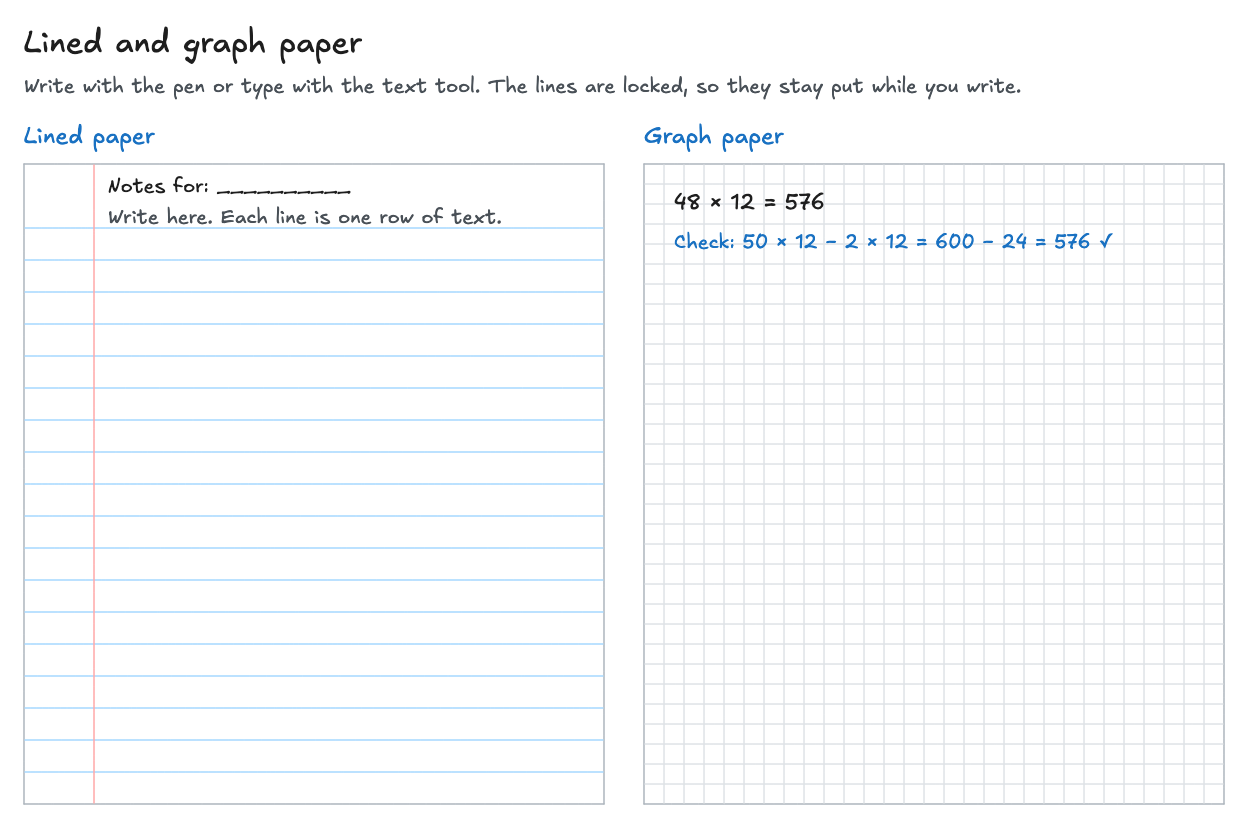
This free template gives you lined paper with a margin and a page of graph paper, side by side in your browser. Use it as online scratch paper or a writing pad: write with a mouse, touchscreen, or pen, or type with the text tool. The lines are locked, so they stay in place while you write. No sign-up.
Best for: Students working through problems, teachers writing notes on a shared screen, and anyone who needs scratch paper or a notepad for quick handwriting and sums.
Opens in the whiteboard as a new board saved in this browser.
What you get
- A lined page with blue rules and a red margin line
- A graph-paper page with 20-pixel squares for sums, tables, and sketches
- Locked lines that do not move or get selected while you write
- Export as PNG or SVG, or keep an editable backup
What it does not do
- No handwriting recognition: what you write stays as drawing
- Pages do not add themselves; copy a page (after unlocking it) to get more lined paper
- Not a word processor: no spell check, page breaks, or document export
How to use it
- Select Use this template to open your own copy.
- Pick the free-draw tool to write by hand, or the text tool to type on the lines. A touchscreen or pen tablet makes handwriting easier, but a mouse works too.
- Use the graph page for sums, tables, and quick sketches. Each square is 20 pixels.
- Need more room? The board has no edge: keep writing below the pages. To copy a whole page, right-click an empty spot, choose Unlock all, then select the page with its lines, copy, and paste.
- Export the page as a PNG to share it, or download the editable file to continue later on another device.
Questions
Can I use this as online scratch paper?
Yes. Open a copy, work out the problem on the lined or graph page, and erase or delete when you are done. Each copy is a separate board, and nothing is uploaded.
Is my handwriting turned into text?
No. Handwriting stays as a drawing. Use the text tool if you want typed text.
Can I print it?
Export the board as a PNG or SVG image and print that file from your computer.
Related
- Math whiteboard template — A coordinate plane on graph paper, a worked equation, and a number line.
- Chalkboard template — A green chalkboard with a white chalk pen, a worked example, key points, and homework.
- Weekly planner template — Monday to Sunday columns, a meals row, and your top three priorities.
- Guide: Free online whiteboard for teaching and tutoring